



Introducing TelemetryTV Box OS
WRITTEN BY: TelemetryTV, 08-20-2021
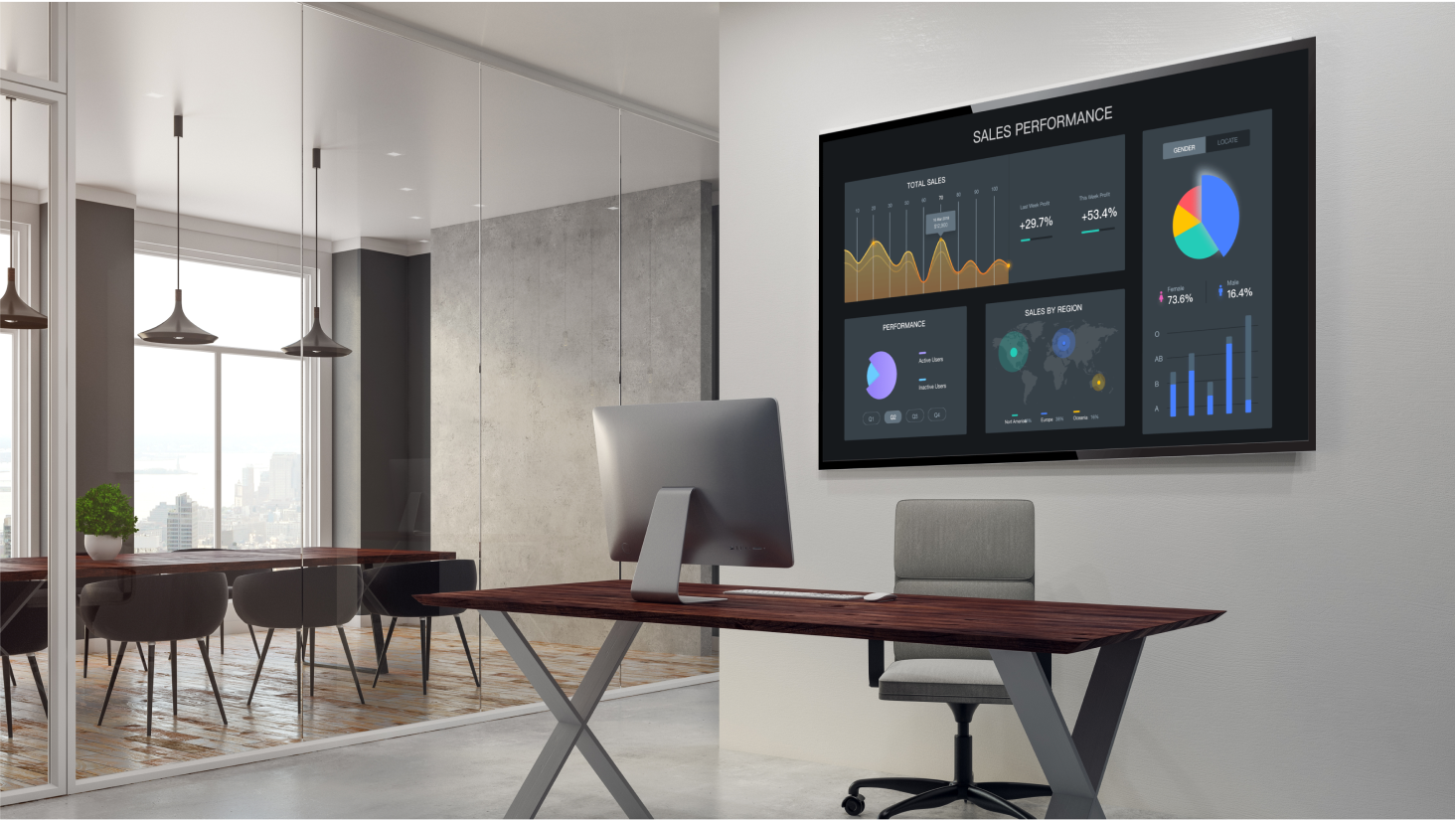
Up until recently, installing and using digital signage wasn’t an easy (or cheap) task. But that changed drastically when affordable media players hit the market. These mini-computers established an entirely new way to power digital signage installations—and power them better than ever.
But these media players also brought a host of limitations to go along with their advantages. And most of those downsides came with the operating systems underlying the digital signage hardware.
That’s because most OS used for digital signage devices—such as Chrome, Android, Linux, and Mac—weren’t designed with digital signage in mind.
While these operating systems are fully capable of powering a digital signage network, they aren’t at all optimized for it. With the new TelemetryTV Box OS, there’s finally an operating system crafted for the sole purpose of using, managing, and scaling digital signage with ease.
What is TelemetryTV Box OS?
At its core, TelemetryTV Box OS is all of the best features from Chrome, Android, Windows, and Linux combined into one digital signage platform. We truly believe TelemetryTV Box OS will be the most sophisticated digital signage platform available on the market.
Put simply, TelemetryTV Box OS is a secured, optimized, and customized platform that streamlines the entirety of running a digital signage network. Unlike existing media players currently on the market, it doesn’t suffer from the usual issues surrounding manageability, security, and ease of use.
And instead of locking you down to one proprietary hardware device, we decided to let customers install TelemetryTV Box OS on a wide range of compatible digital signage media players.
How was TelemetryTV Box OS built?
TelemetryTV Box OS is based on the latest long-term Linux operating system—Ubuntu 20 LTS. By using an existing OS as the base, especially one as versatile as Ubuntu, we were able to customize and refine the TelemetryTV Box OS to do exactly what it needed to do, which was to run digital signage better than any other existing platform out there.
The Ubuntu 20 LTS distribution was stripped down to focus solely on digital signage. The desktop environment, libraries, and applications were all sent to the cutting floor since they were no longer needed. After that, we tuned and customized the Ubuntu OS to run the TelemetryTV app with performance that was never possible on other media player OS.
On top of that, we beefed up the security of the OS to meet Center For Internet Security standards.
Key features of TelemetryTV Box OS
Since TelemetryTV Box OS was designed specifically for digital signage use cases, there is a huge amount of valuable features built-in for organizations using digital signage. Here are just a few:
- Kiosk mode
- Serial port commands
- 4K video support
- 4 screen video wall support
- USB provisioning of new devices
- 5-year lifespan
- $0 annual costs
- Electron app build
- Static IP
- Remote management
TelemetryTV Box OS certified devices
For the time being, not all devices are compatible with TelemetryTV Box OS. This is primarily because we stress test each media player to make sure it can run the TelemetryTV Box OS and TelemetryTV app at the minimum performance requirements. As new devices are tested, those that run at high enough levels of performance will be added.
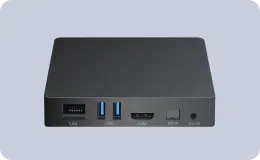
For now, here is the list of media devices that are compatible with the TelemetryTV Box OS:
- MeLE Quieter2 Mini PC
- Compulab Fitlet2
- AOpen DE3450X-24ALW
- Raspberry Pi 4 2GB+ RAM
- Intel Ruggedized NUC (NUCCCHKR only)
- Minix NEO Z83-4U
- MinisForum N40Onlogic CL210G-10
- Onlogic CL210G-11
If your device isn’t listed, don’t worry. We set up the TelemetryTV Box OS Lab Program for customers who are using a device that isn’t certified yet. For an annual fee, the respective device used by your organization will be lab tested by our device specialists to ensure it meets our minimum performance and compatibility requirements.
Related: Raspberry Pi for Digital Signage: Why We Changed Our Minds
Getting started with TelemetryTV Box OS
Currently, TelemetryTV Box OS can only be deployed on Intel and Raspberry Pi media players. To learn how to deploy TelemetryTV Box OS on Intel devices, visit here. To learn how to deploy TelemetryTV Box OS on the Raspberry PI 4, visit here.
If you want to know more about how TelemetryTV Box OS and the TelemetryTV app can help your business, contact our team or try a 14-day free trial today to see all the benefits for yourself.